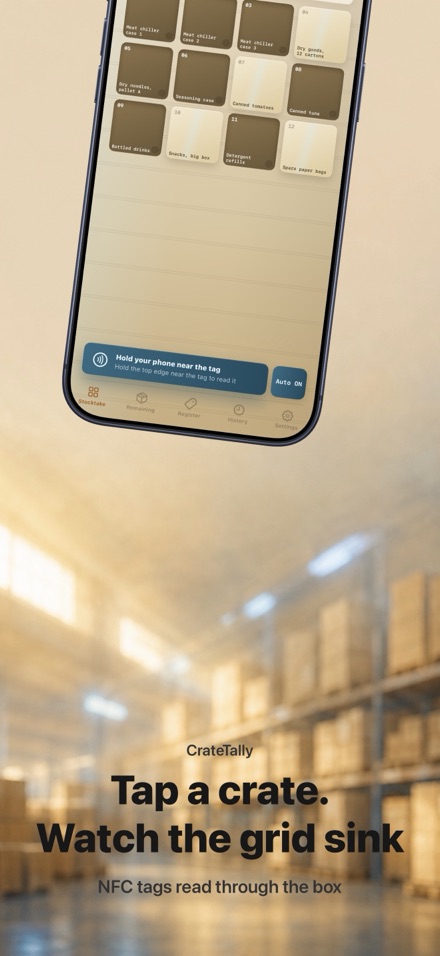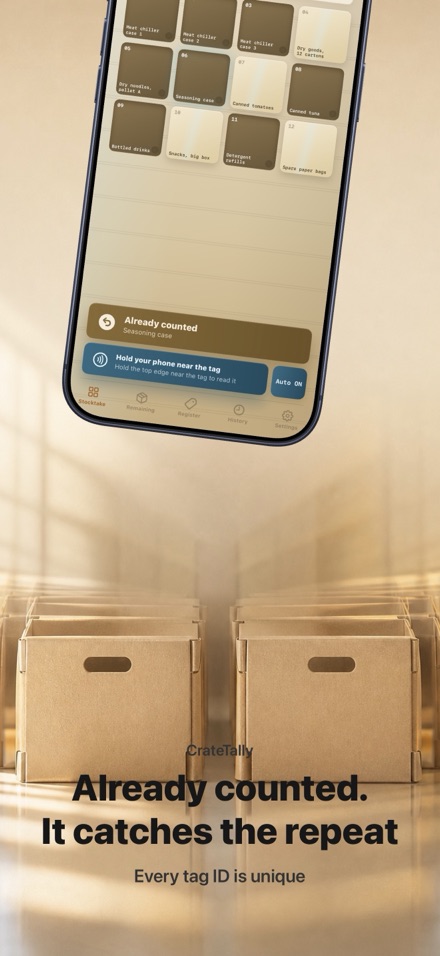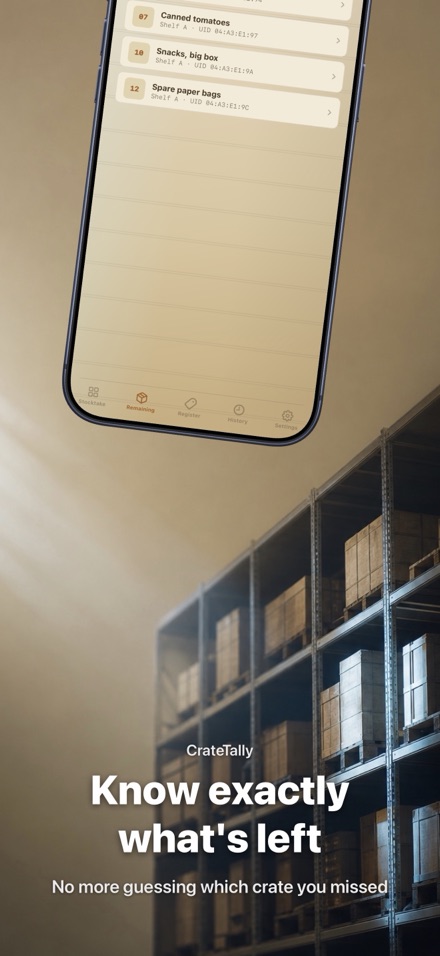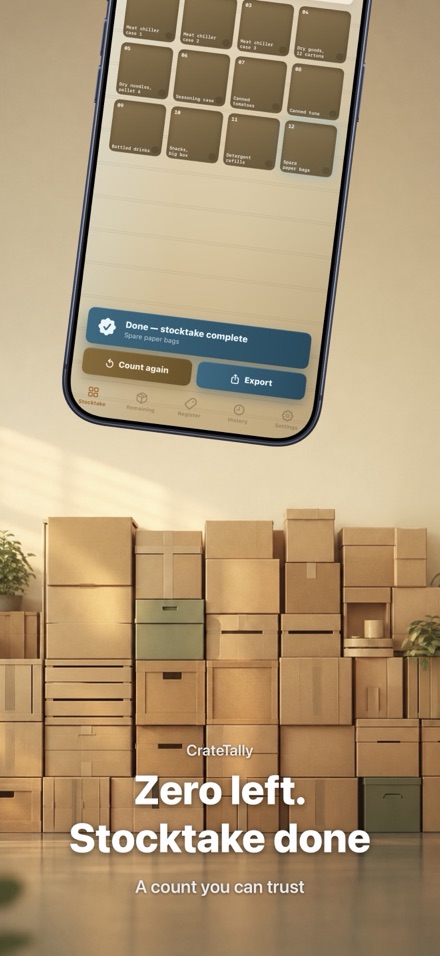
Tap an NFC-tagged crate and know at once if it is new or already counted. The grid shows exactly what is left, with no barcodes and no double counting.
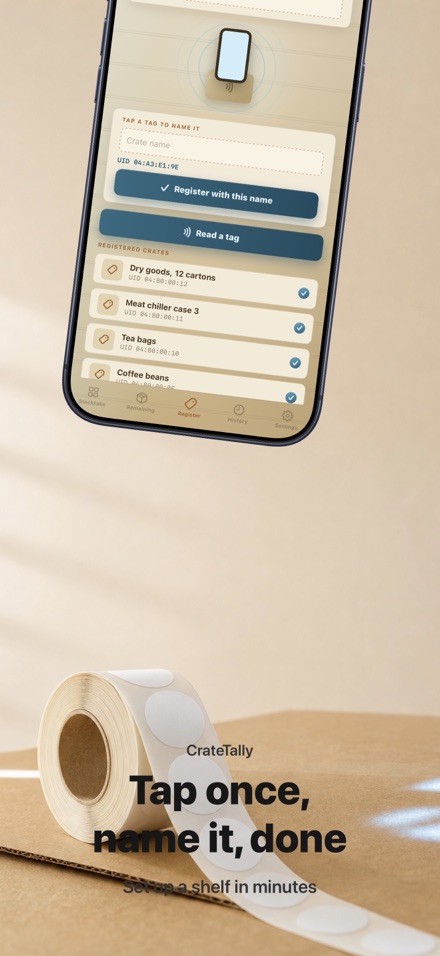
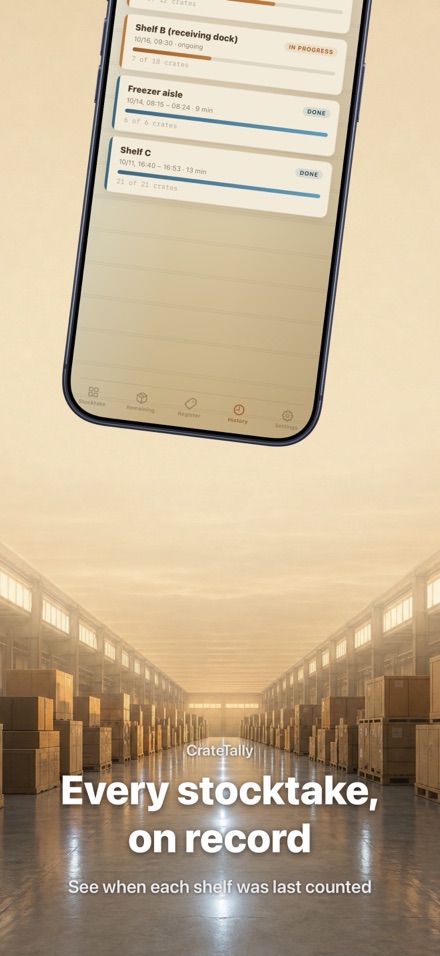
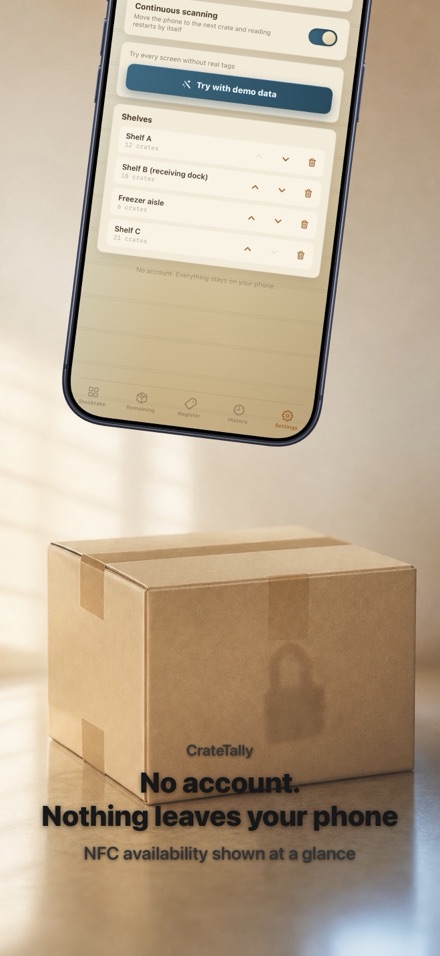
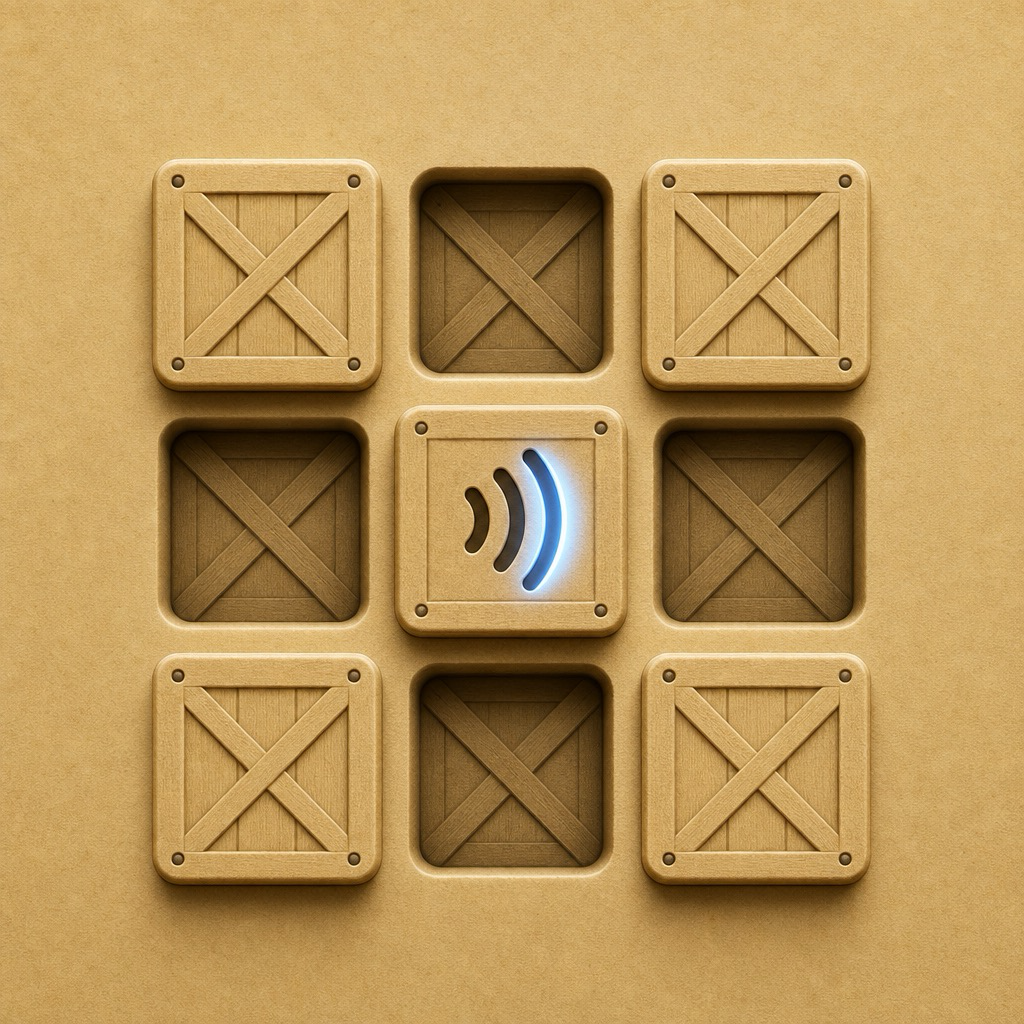
Barcode scanners make you read every label one at a time, and once crates stack up the labels face the wrong way or hide behind each other. CrateTally reads an NFC sticker through the box instead and tells you which crates you have not reached yet. Stick an NFC sticker on each crate once, then tap your phone against it, through the box or upside down. Every tag has a unique ID, so a second tap on the same crate is caught at once: already counted. Move to the next crate and the app senses the motion and reopens the reader by itself, so you never touch the screen. The shelf grid shows the whole stocktake at a glance. Counted crates sink into the grid, uncounted ones stay raised, and the remaining count sits right above it. When it reaches zero, you are done. Export the full count to CSV when you finish. No personal information is collected. Tag IDs and counts are stored only on your iPhone, and the app does not connect to any server. No tags yet? Open Settings > Try with demo data to explore every feature without any NFC tag. You need NFC stickers (NTAG213/215/216) on your crates. They are not included, but they are inexpensive online and in stationery stores. Requires an iPhone with NFC (iOS 17 or later, i.e. iPhone XS / XR or later; all have NFC). Devices without NFC are not supported.
Download on the App Store →Features
- 01
Tap, don't scan
Stick an NFC sticker on each crate once, then tap your phone against it, through the box or upside down. Every tag has a unique ID, so a second tap on the same crate is caught at once: already counted. Move to the next crate and the app senses the motion and reopens the reader by itself, so you never touch the screen.
- 02
The grid sinks as you count
The shelf grid shows the whole stocktake at a glance. Counted crates sink into the grid, uncounted ones stay raised, and the remaining count sits right above it. When it reaches zero, you are done.
- 03
CSV export
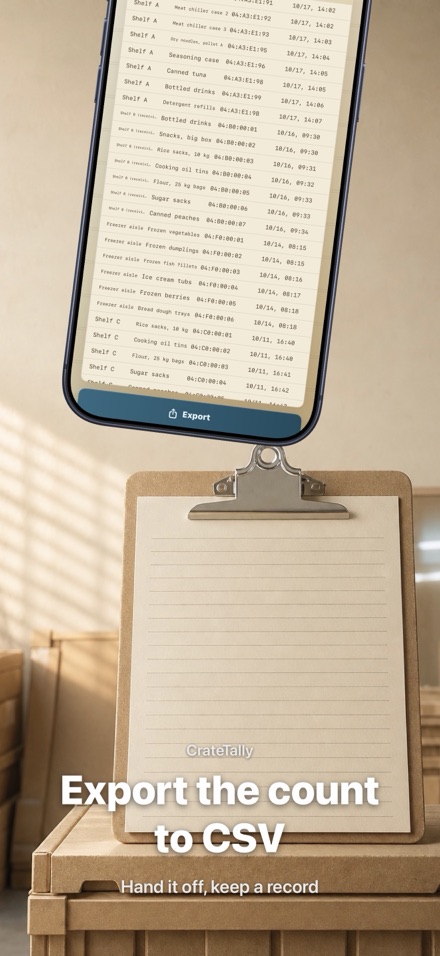
Export the full count to CSV when you finish. No personal information is collected. Tag IDs and counts are stored only on your iPhone, and the app does not connect to any server.
- 04
Needs NFC stickers
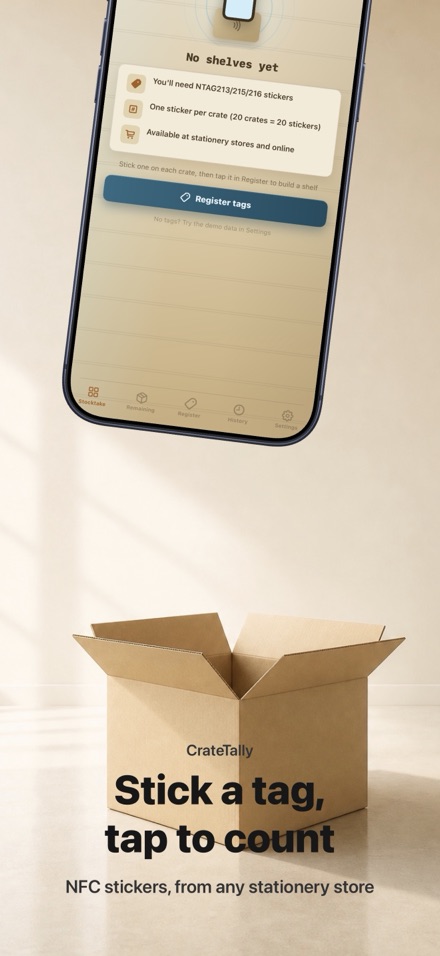
You need NFC stickers (NTAG213/215/216) on your crates. They are not included, but they are inexpensive online and in stationery stores. Requires an iPhone with NFC (iOS 17 or later, i.e. iPhone XS / XR or later; all have NFC). Devices without NFC are not supported. No tags yet? Open Settings > Try with demo data to explore every feature without any NFC tag.
Screenshots